
Google simplifies Gemini Android menu
The update limits the recent chat view to five items and merges scattered preferences into a single page.
By Ivan Dvorak ·
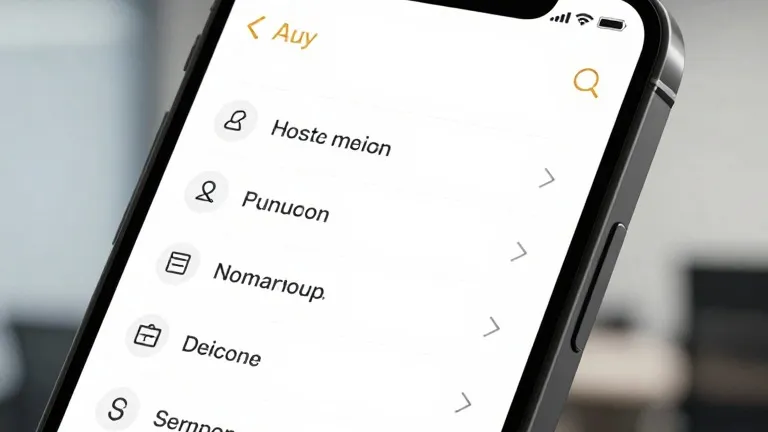
Google is pushing a server-side update to the Gemini app for Android that restructures the side panel and consolidates settings. The change follows a recent shift from Spark to Task and is deploying to devices without requiring users to download a new version of the software.
The navigation drawer has been rearranged to prioritize core functions. The search feature now sits in the top-right corner, while New chat remains the primary entry at the top of the list. Library has moved directly below New chat, a position that previously held other options. This reorganization aims to reduce clutter in the main menu.
To manage the length of the chat history, the app now displays only five recent items by default. Users can tap a More option to expand the full list. For subscribers to the AI Ultra tier, the complete menu includes entries for Images, Scheduled, Daily brief, Customize, Students, Videos, and Gems alongside the core items.
Settings have also been unified. Preferences previously split between the account menu and a separate Gemini Settings area now reside on one page. The account menu retains only essential functions, such as switching accounts, submitting feedback, and accessing help.
The new settings page begins with Manage account and Usage limits. A subsequent Preferences section lists Notifications, Personal Intelligence, Avatar, Task settings, Theme, Skills, Voice, Media, Device controls, Cart and orders, and Gemini Notebook. Theme is the only entry labeled as new in this section.
Two additional sections conclude the page. Data and privacy covers Import memory, Contact info from your devices, Gemini Apps Activity, Your public links, and the Privacy Help Hub. The final section, Get support, provides access to Help, Report a problem, About, and Updates. The same interface changes reached iOS, macOS, and web platforms last week during the launch of Gemini 4 Argon.
Other recent changes to the Gemini ecosystem include Notebook becoming a Connected App for deeper integration. Free users are now assigned to Auto models as the app introduces new thinking levels. A new Map tool has also been added, coinciding with the replacement of the slash shortcut with the at symbol.